UK secondary school Maths and Science teachers and private tutors preparing GCSE (Key Stage 4) revision materials.
Come funziona
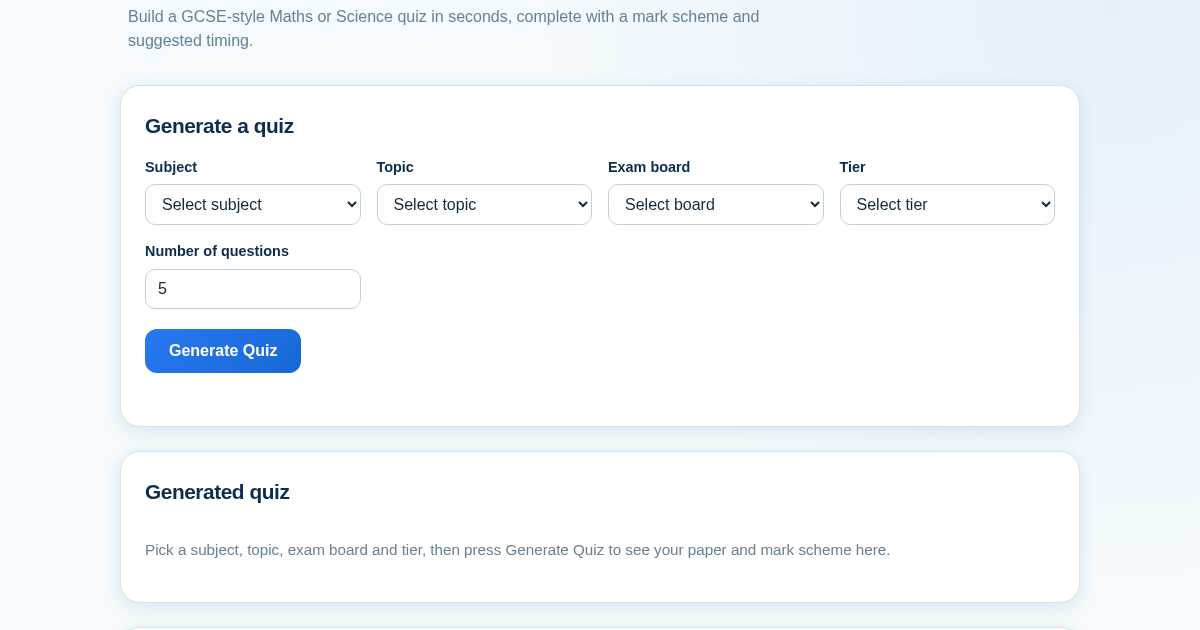
- Select subject, topic, exam board, tier, and number of questions.
- Click Generate Quiz to pull matching questions from the built-in question bank.
- Review the quiz with mark scheme, total marks, and estimated exam time.
- Save the quiz to history and search saved quizzes by subject or topic.
Cosa ottieni
- Instant quiz generation from a built-in question bank
- Automatic mark scheme with marks per question and total marks
- Suggested exam time based on total marks
- Save quizzes with one click for later use
- Search saved quizzes by subject or topic
- No sign-up or accounts required
Schermata
Dettagli tecnici
Come configurare e usare
- Acquista la licenza — la chiave (lic_...) appare nella pagina dell'ordine e via email.
- Accedi su app.synoriaai.com con la tua chiave di licenza.
- Nessuna installazione — il prodotto gira nel browser, sulla tua istanza isolata.
- Choose the subject (Maths, Biology, Chemistry, Physics or Combined Science)
- Pick a topic, exam board and tier (Foundation or Higher)
- Enter how many questions you want and click Generate Quiz
- Review the quiz, its mark scheme and suggested time, then click Save Quiz
- Find any past quiz again by searching your saved history on the main screen
Domande frequenti
Where do the questions come from?
They come from a built-in bank of GCSE-style questions covering common Maths and Science topics — the app selects and assembles them for you, it does not use AI to invent new questions.
Is my saved quiz data shared with anyone?
No. Every quiz you generate and save is stored only for your own use within this tool and is not shared with other teachers or third parties.
Can I edit the questions after generating a quiz?
Not in this version — you choose the subject, topic, exam board, tier and number of questions, and the app assembles a ready-to-use paper from the existing bank.
Prodotti correlati
Planificador de Estudio para la EBAU
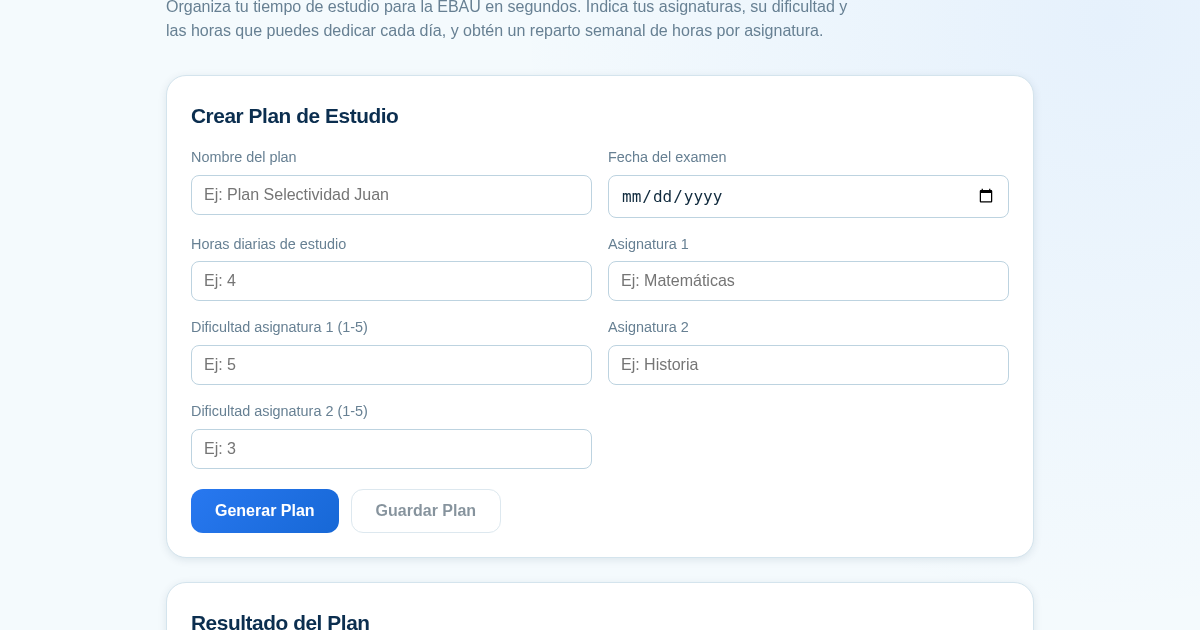
Organiza tu tiempo de estudio para la EBAU en segundos. Indica tus asignaturas, su dificultad y las horas que puedes dedicar cada día, y obtén un reparto semanal de horas por asignatura, guardado para que siempre puedas…
RPP Instan – Generator RPP Kurikulum Merdeka
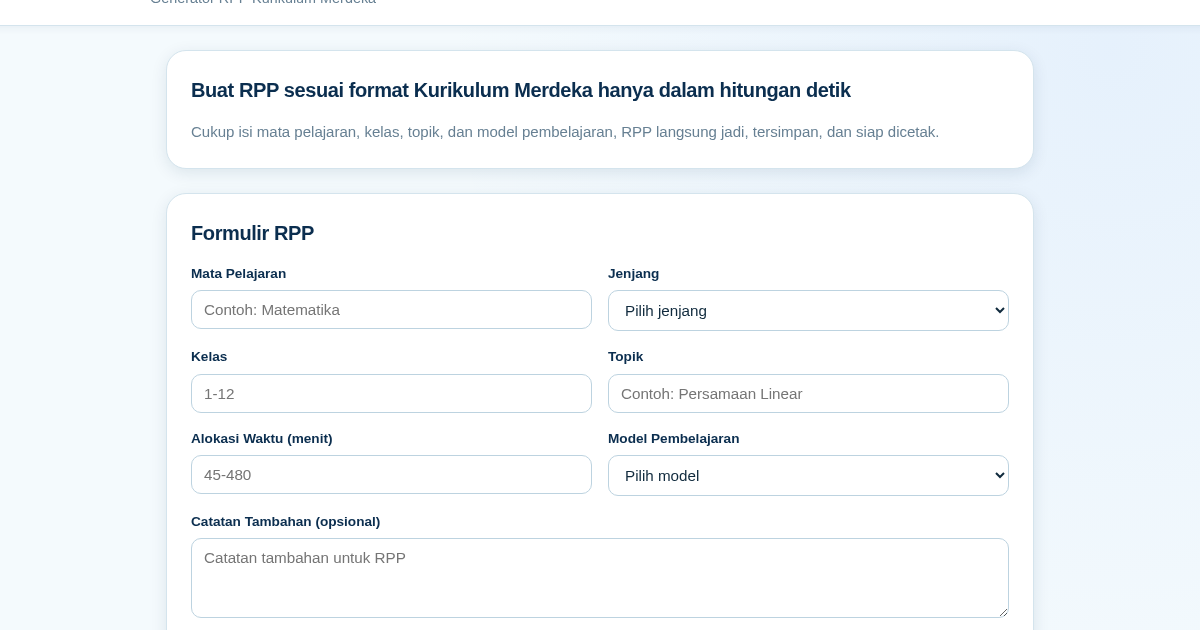
RPP Instan membantu guru di Indonesia membuat Rencana Pelaksanaan Pembelajaran (RPP) sesuai Kurikulum Merdeka dengan cepat. Guru cukup mengisi formulir singkat, dan RPP langsung tersusun otomatis sesuai struktur yang…
ExamGenius — Turn Your Notes Into Practice Exams
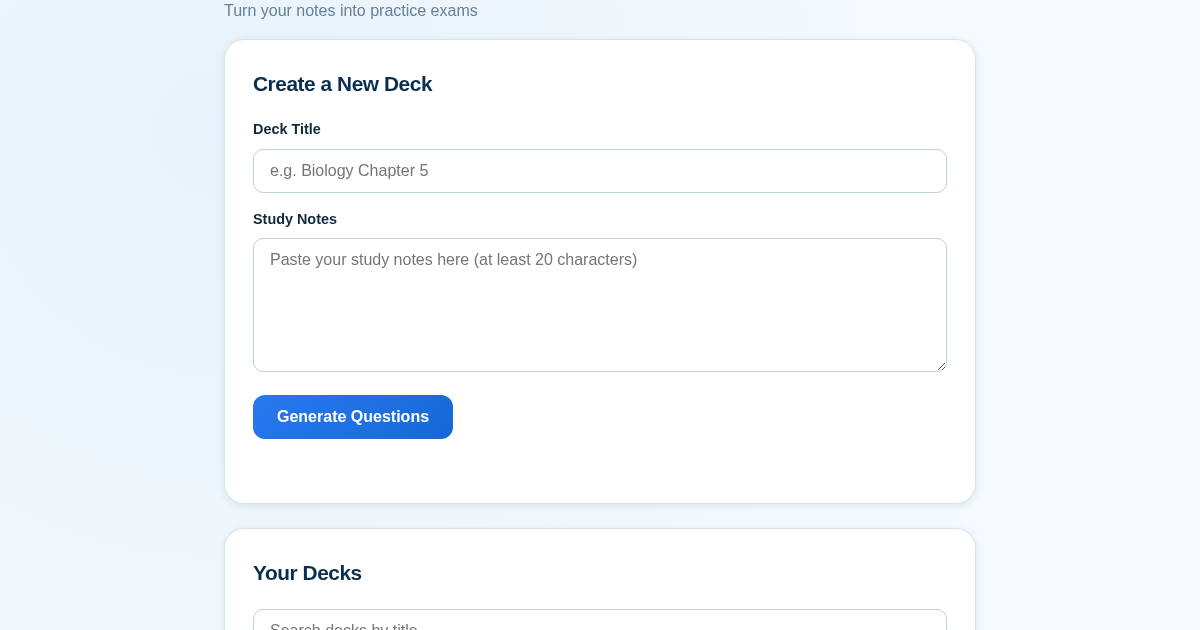
ExamGenius turns pasted study notes into practice quiz questions and schedules reviews using a spaced-repetition algorithm so learners retain material longer. Users paste notes, generate a question deck, self-grade…
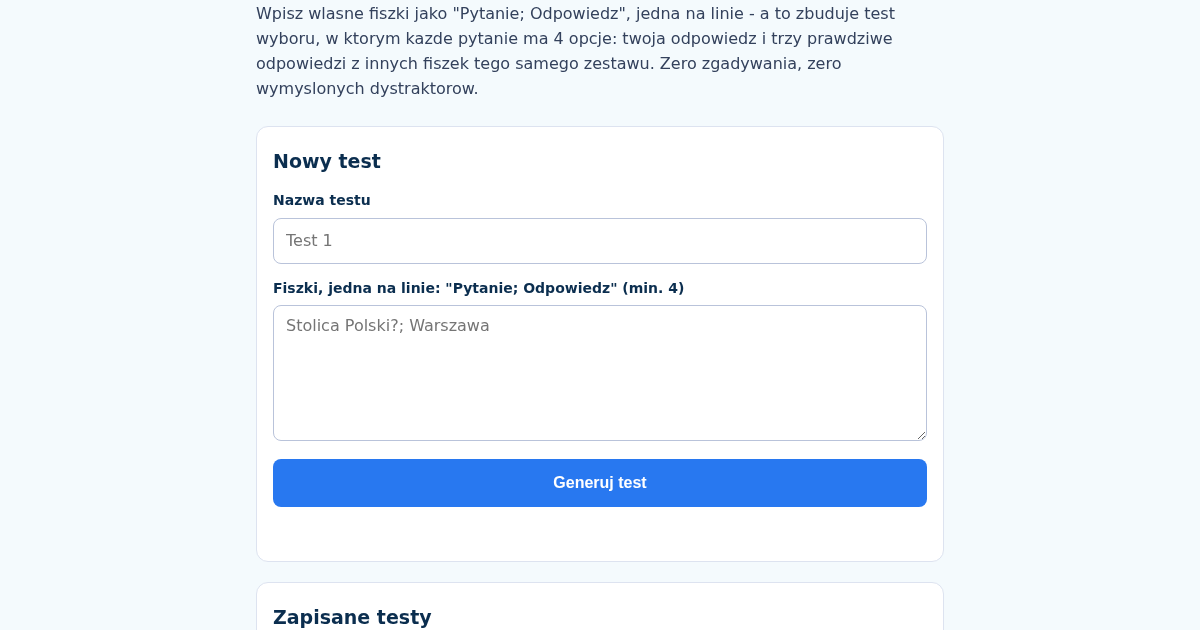
TestMatura: Generator Testow Wyboru z Wlasnych Fiszek do Matury
Wklej wlasne fiszki jako "Pytanie; Odpowiedz", jedna na linie - to narzedzie zbuduje test wyboru, w ktorym kazde pytanie ma 4 opcje: twoja odpowiedz i trzy prawdziwe odpowiedzi z innych fiszek tego samego zestawu,…